
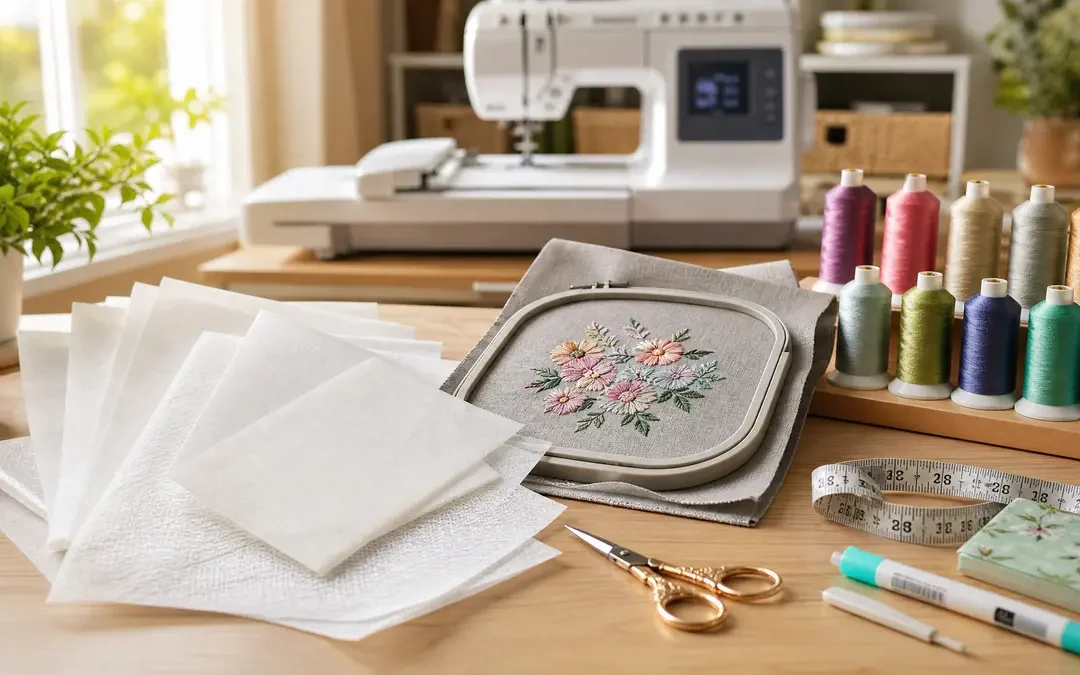
The Brother SE700 is one of the most popular sewing and embroidery combo machines for hobbyists and beginners. It gives you a 5×7 embroidery area, color touchscreen, wireless design transfer, and a full sewing machine — all in one device. After analyzing 100 verified Amazon reviews, here is everything you need to know before buying.
What 100 Real Owners Say About the Brother SE700
We analyzed 100 verified Amazon reviews to find out what actual SE700 owners love — and what frustrates them. Here is the unfiltered breakdown.
What Owners Love
Dozens of reviews simply say they “love” this machine — not just “like” or “it’s fine.” For any price point, that kind of emotional response means a lot.
Owners consistently call this machine easy to set up and start embroidering quickly, even with zero experience. Many first-timers report finishing their first project the same day they unbox it.
Several owners upgraded from older or louder machines and specifically noted how much quieter this model runs — a pleasant surprise for late-night stitchers.
The automatic needle threader, thread cutter, and other convenience features are repeatedly called out as game-changers that make the experience smoother.
What Owners Don’t Like
A notable number of machines arrive with issues out of the box — defective switches, frozen mechanisms, or error messages on first power-up. Most buyers who exchange get a working unit.
In Their Own Words
★★★★★
“I had high ambitions to buy a much more expensive machine but just couldn’t afford it. I settled on this machine and thought the embroidery function would be nice to have. I was absolutely blown away by the quality of this little machine. I use mine for mini quilts, mending clothes, and miscellaneous sewing. I have dabbled with the embroidery functions but I’m still learning that. Compared to my Singer machine from 20 years ago, holy cow. This machine is by far superior. Yes, I know, I’m comparing it to a much older machine but it was “entry level” as well. I absolutely love the speed control,”
“Amazing machine!! Embroidery works great. Took a few tries to get the embroidery to show. For some reason it was pulling the bobbin thread. I rethreaded it a couple of times and ran some tests on scrap fabric and finally it worked beautifully and embroidered perfectly. Maybe it just needed to work the kinks out on its own. Sewing is so much easier with all the bells and whistles like automatic threader, thread cut (with a push of a button!), speed control, and so much more. Don’t buy into the hype that beginners should purchase a no frills machine. I wasted so much money that way. Thank goodne”
“If you know nothing about sewing, embroidery, etc. then this machine is what you need. There is literally directions all over this machine to show you what to do. You can even view built in directions on the touch screen. Even the pictured button light up green for good and red for bad. It also has built in safety features that don’t allow you to embroider if things aren’t in the right place (besides the bobbin; learned that the hard way). I will say that I have never even used a sewing machine. So, it’s has been about one month since I ordered the machine. I had to learn a lot. Never knew wha”
“UPDATE: I decided to keep the machine. I searched for how to change the tension on the bobbin. Luckily I found the video and I was able to fix it. I opened the bobbin cover and I removed the bobbin case. I twisted the tiny screw a little bit. I put it back and I let the machine run again. Voilà! It’s fixed! I found out that the perfect bobbin tension on my machine is 5. I’ve been making lots of stuff with the machine. Everything works perfectly now. The bobbin is also winded without any trouble. The reason I give 4 stars instead 5 is because I had to fix the problem by myself. It could be bett”
“I am writing this review with immense disappointment and frustration regarding my recent experience with the Brother sewing machine I purchased in April 2023. Due to some unexpected family emergencies, I was unable to unbox the machine until August 2023, at which point my troubles began. Upon attempting to use the sewing machine, I encountered a critical issue – the needle broke on my very first attempt. After investigating further, it became evident that the presser foot holder was crooked and bent, rendering the machine unusable. I was shocked and dismayed by the poor craftsmanship of the pr”
“I was very dissapointed in this whole process. First, It was very confusing setting it up to Wi-fi and then once you do, the Artspira app has to be connected as well. I would never have been able to do it without chat GPT and multiple videos on you tube explaining it. Then very first time trying to stitch a design the needle broke. Changed the needle, the next needle broke. The design I choose looked terrible and got a bird nest 5 different times trying to sew a simple design. Artspira is terrible and total waste of time. It cant turn any of my vector artwork into a decent stitch pattern. You “
The Bottom Line From 100 Owners
The Brother SE700 earns its 4.3-star rating honestly. 80% of owners give it 4 or 5 stars, and the praise is not faint — people genuinely love this machine. It is beginner-friendly, feature-packed, and delivers quality embroidery and sewing at a price point that undercuts competitors by hundreds of dollars.
That said, the thread tension and needle breakage issues are real and not isolated. About 1 in 5 owners experience some kind of mechanical hiccup, usually within the first few projects. The good news: most of these are fixable with the right needle (switch to 90/14), proper tension adjustment, and patience during the learning phase. But for the 8% who gave it 1 star, the frustration was bad enough to return the machine.
If you are a beginner: this machine was practically made for you. The on-screen guides, automatic features, and forgiving learning curve make it one of the best starter combo machines available. Budget an extra $50-100 for thread, stabilizer, spare needles, and practice fabric.
If you are experienced: you will appreciate the feature set for the price, but you may quickly outgrow the 4×4 embroidery area. Consider whether a dedicated embroidery machine with a larger hoop is worth the extra investment for your projects.
Brother SE700 Specs
| Spec | Brother SE700 |
|---|---|
| Type | Sewing + Embroidery Combo |
| Max embroidery area | 5×7 inches |
| Built-in designs | 103 designs + 6 lettering fonts |
| Built-in sewing stitches | 135 |
| Max stitch speed | 710 SPM |
| Connectivity | USB + Wireless (Wi-Fi) |
| Display | 3.2-inch color LCD touchscreen |
| Auto needle threader | Yes |
| Thread cutter | Automatic (push-button) |
| Speed control | Yes (slider) |
| Included hoops | 4×4 and 5×7 |
| Weight | ~22 lbs |
Check Current Brother SE700 Price on Amazon
What the Brother SE700 Does Well
1. The 5×7 Hoop + 135 Sewing Stitches = Two Machines in One
Most embroidery-capable machines in this price range either give you 4×4 embroidery only, or 4×4 plus sewing. The SE700 includes both 4×4 and 5×7 hoops plus 135 sewing stitches. For someone who wants to embroider and sew without buying two machines, this combo is hard to beat. You can embroider a monogram on a towel and then sew a hem on the same machine.
2. Beginner-Friendly Touchscreen and On-Screen Guides
With 18 owners specifically praising its ease of use, the SE700 is one of the most approachable combo machines available. The 3.2-inch color touchscreen walks you through setup with on-screen guides. Multiple first-timers who had never touched a sewing machine before were creating projects within days.
3. Wireless Design Transfer via Artspira
The SE700 supports wireless design transfer through Brother’s Artspira app on your phone or tablet. Browse designs, send them to the machine over Wi-Fi, and start stitching. The USB port is also available if you prefer the old way or your Wi-Fi is unreliable.
4. The Brother Ecosystem
Brother has the largest online embroidery community by far. Facebook groups, YouTube tutorials, Reddit threads, free design libraries, and troubleshooting guides are everywhere. PES (Brother’s design format) is the most widely supported format on third-party design sites — more free and paid designs are available in PES than any other format.
Where the Brother SE700 Falls Short
1. Thread Tension Problems Out of the Box
The #1 complaint from SE700 owners. Bobbin thread tangling, tension issues, and “bird nesting” under the needle plate affect about 1 in 5 owners. Most of these resolve with the right needle (90/14) and proper upper thread path threading, but some owners never figure it out and return the machine. If you hit this, check out our stabilizer guide — wrong stabilizer choice is a hidden culprit.
2. The 4×4 Hoop Feels Limiting Fast
While the SE700 includes a 5×7 hoop, many owners start on the 4×4 and immediately want more space. If you plan to embroider towels, jackets, or large designs regularly, you will be using the 5×7 hoop almost exclusively — and you may still want even bigger. For small projects like patches and monograms, 4×4 is fine.
3. Artspira App Has a Subscription Paywall
The free companion app requires a monthly subscription to unlock custom design features. Several owners were disappointed to discover that converting their own images to embroidery files is not free. USB import works fine without the app — you just lose the convenience of wireless DIY design.
Who Should Buy the Brother SE700?
- Beginners who want both sewing and embroidery — one machine, two capabilities, no compromise
- Hobbyists upgrading from a basic sewing machine — the embroidery feature is a whole new world
- Gift makers and small-batch crafters — monogram towels, personalized baby items, custom bags
- Anyone who wants 5×7 embroidery at a combo price — dedicated embroidery machines with 5×7 cost the same or more
Who Should Skip It?
- Embroidery-only users who don’t need sewing — the Brother PE900 has more built-in designs and a jump stitch cutter at a similar price
- Large-format embroiderers — the Janome MC500E gives you 7.9×11 inches
- People who hate subscriptions — the Artspira app’s paywall may frustrate you (USB transfer works fine without it)
- High-volume business users — the SE700 is a home machine, not built for 8-hour production days
Brother SE700 vs Alternatives
| Spec | SE700 | PE900 | PE535 | Janome MC500E |
|---|---|---|---|---|
| Type | Combo | Embroidery only | Embroidery only | Embroidery only |
| Hoop | 5×7 | 5×7 | 4×4 | 7.9×11 |
| Designs | 103 | 193 | 80 | 160 |
| Wireless | Yes | Yes | No | No |
| Sewing | Yes (135 stitches) | No | No | No |
| Best for | Sewing + embroidery | Dedicated embroidery | Budget/beginner | Premium/large area |
Final Verdict
The Brother SE700 is the best sewing-and-embroidery combo machine for the money right now. With 80% of owners giving it 4 or 5 stars, the satisfaction rate speaks for itself. The 5×7 hoop, wireless design transfer, and 135 sewing stitches make it a genuine two-in-one that does not feel like either function was an afterthought.
The thread tension issues are real — budget time to dial in your settings and possibly switch to a 90/14 needle right away. But once dialed in, owners rave about this machine. For beginners who want both sewing and embroidery without buying two devices, there is no better choice at this price.
If you only need embroidery, the Brother PE900 is worth comparing — it has nearly double the built-in designs and a jump stitch cutter. But if you want to sew and embroider, the SE700 is the clear winner.
Check Current Brother SE700 Price on Amazon
Related guides: Best Embroidery Machine 2026 | Best for Beginners | Best Home Machine | Best Budget Machines | Stabilizer Guide