
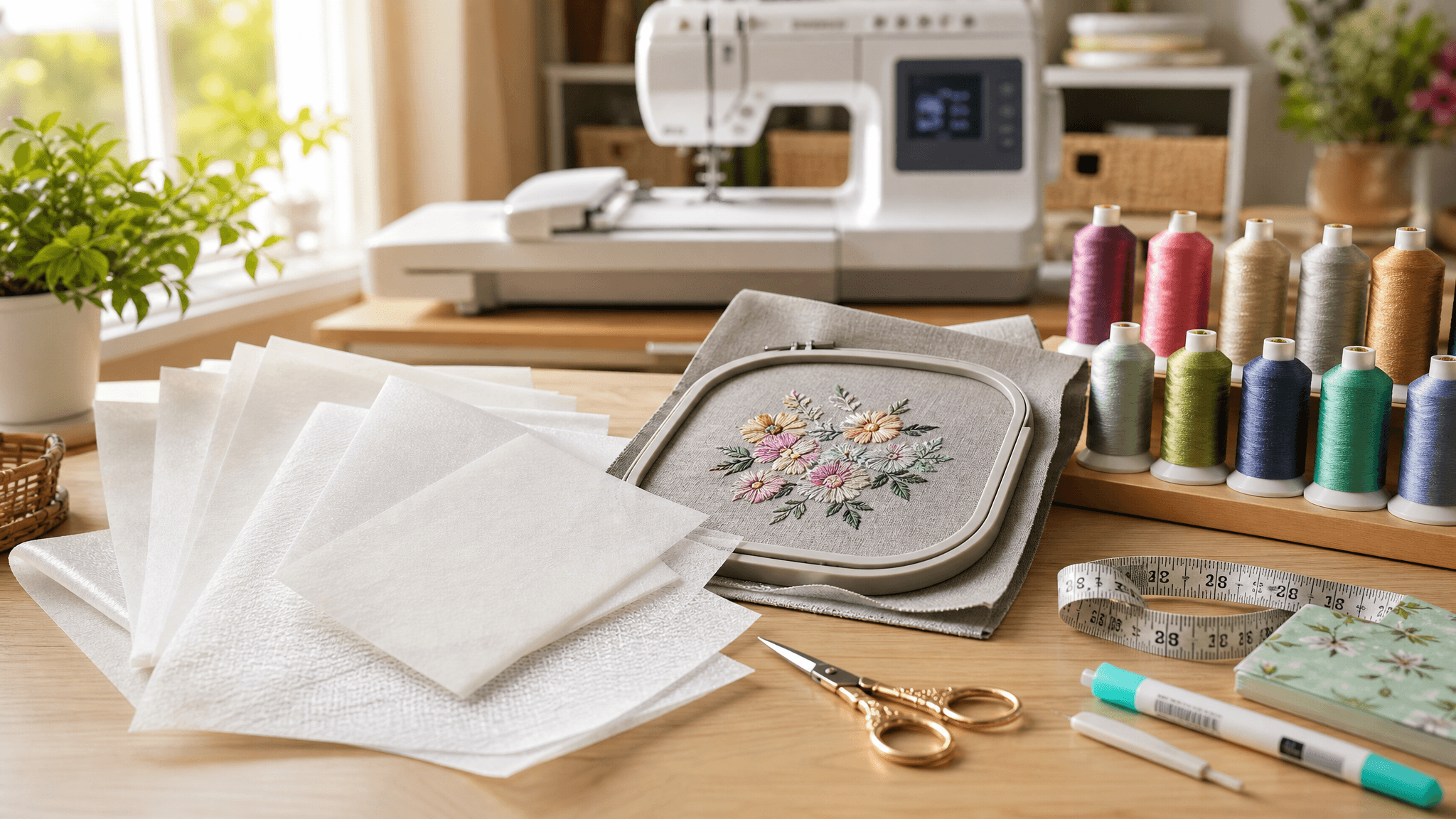
A proper machine setup routine is the difference between sitting down and stitching and spending 45 minutes troubleshooting thread nests and needle breaks. This checklist is the exact routine used by experienced embroiderers — follow it every time you sit down at your machine, especially if it has been off for more than a day.
Before You Turn the Machine On
1. Check the Workspace
Place your machine on a stable, level surface. A wobbly table introduces vibration that affects stitch quality. Ensure the machine has at least 6 inches of clearance on all sides for hoop movement — multi-needle machines need significantly more clearance, especially behind the machine where the hoop arm extends. Keep thread spools away from the edge of the table to prevent them from falling and unwinding mid-stitch.
2. Inspect the Thread Path
Before threading, visually check that the thread guides, tension discs, and take-up lever are clean and clear. Run your finger along the thread path — you are feeling for burrs, rough spots, or lint accumulation. A tiny burr on a thread guide can shred thread within the first few hundred stitches. If you feel anything rough, polish it with a piece of unwaxed dental floss or consult a repair technician if it is on a tension disc.
3. Check the Needle
Remove the current needle and inspect it under good light. Look for:
- A bent tip (hold the needle point-up against a white background and rotate — if the tip wobbles, the needle is bent)
- A dull point (run your thumbnail across the tip — it should catch cleanly)
- A burr on the eye (thread should slide through without resistance)
If the needle has more than 8 hours of stitch time on it, replace it regardless of how it looks. Needles are $0.50-$1.00 each — thread breaks and ruined projects cost more. Insert the new needle with the flat side facing the correct direction (on Brother machines, the flat side faces the back; on Janome, check your manual) and push it all the way up into the clamp before tightening the screw. A needle that is not fully seated will hit the needle plate or bobbin case.
Using the needle that came pre-installed in the machine for months. That needle is for factory testing and may have already been used. Start with a fresh needle on day one.
After Powering On
4. Thread the Machine Correctly — Every Time
Thread with the presser foot UP. This opens the tension discs so the thread seats correctly between them. If you thread with the presser foot down, the thread sits on top of the tension discs instead of between them, creating zero upper tension — which causes nesting and bird-nesting under the fabric immediately. This is the single most common threading mistake and it mimics a broken machine.
Threading sequence:
- Place the thread spool on the spool pin with the thread coming off the spool in the direction your manual specifies (usually clockwise)
- Guide the thread through the first thread guide (usually at the top of the machine)
- Pass it through the tension disc channel — make sure it “clicks” or seats between the discs
- Loop through the take-up lever (many beginners miss this one — it is often partially hidden)
- Guide down through any remaining thread guides to the needle
- Thread the needle from front to back (or as your manual specifies)
- Pull 4-6 inches of thread through the needle and lay it under the presser foot toward the back
5. Wind and Insert the Bobbin Properly
A poorly wound bobbin causes tension problems that look exactly like machine failure. Wind bobbins at a consistent speed — do not start and stop, and do not wind at maximum speed. The thread should lay flat and even on the bobbin, with no gaps, overlaps, or loose areas. After winding, trim the starting tail close to the bobbin surface so it does not catch during stitching.
Insert the bobbin in the correct direction for your machine. On most Brother models, the bobbin rotates counter-clockwise when you pull the thread. On Janome machines, check your manual. The bobbin thread should feed smoothly with light resistance when you pull it.
6. Hoop the Fabric and Stabilizer Correctly
Hooping is a skill that takes practice. Here is the correct sequence:
- Place the outer hoop on a flat surface
- Lay the stabilizer flat over the outer hoop (do not stretch it)
- Lay the fabric flat over the stabilizer, right side up
- Loosen the inner hoop screw slightly
- Press the inner hoop down into the outer hoop evenly — do not push one corner then another; press the whole hoop down at once
- Tighten the screw firmly
- Check tension: tap the fabric. It should sound like a drum. If it is loose, tighten the screw more or re-hoop
The fabric should be taut but not stretched. Stretched fabric will relax after hooping and cause puckering during embroidery. For delicate or stretchy fabrics, float the fabric on top of a hooped stabilizer using temporary adhesive spray instead of hooping the fabric directly.
7. Position the Hoop and Run a Test Stitch
Attach the hoop to the embroidery arm and make sure it clicks in securely. A partially attached hoop can pop off mid-design, destroying the project and potentially damaging the needle. Before starting your real design, run a test stitch on a scrap piece of the same fabric and stabilizer combination. Check for:
- Balanced tension (no loops on top or bottom)
- Clean stitch formation (no gaps or skipped stitches)
- Proper registration (design is where you expect it to be)
- No thread breaks in the first few hundred stitches
Machine-Specific Notes
Brother PE535 and PE545
These machines use Artspira for wireless design transfer on the PE545 model. Before starting, confirm your machine’s WiFi is connected and the firmware is up to date. The USB port is the fallback if WiFi is unreliable. These are embroidery-only machines — they will not sew regular seams, so do not expect a foot pedal.
Brother SE700 and SE600
These are combo machines. Switch to embroidery mode and attach the embroidery unit before hooping. The machine will not let you embroider if the embroidery unit is not properly attached. The SE700 adds WiFi — update firmware through the USB port before pairing with Artspira.
Janome Machines
Janome uses the JEF format for designs. If you are switching from a Brother machine, your PES files will need conversion. Janome machines generally require more attention to the threading path — double-check that the thread is fully seated in every guide before starting.
Setup Troubleshooting Quick Reference
| Problem | Most Likely Setup Issue | Fix |
|---|---|---|
| Thread nesting under fabric immediately | Threaded with presser foot down | Raise presser foot, rethread completely |
| Needle breaks on first stitch | Needle not fully seated or wrong size | Remove and reinsert needle, push fully up |
| Thread shreds or frays near needle | Burr on needle eye or needle too small | Replace with larger needle, check for burrs |
| Machine will not start embroidering | Presser foot not lowered or embroidery unit not attached | Lower foot, check embroidery unit connection |
| Design stitches off-registration | Hoop not fully attached or fabric shifted during hooping | Re-attach hoop firmly, re-hoop with tighter tension |