
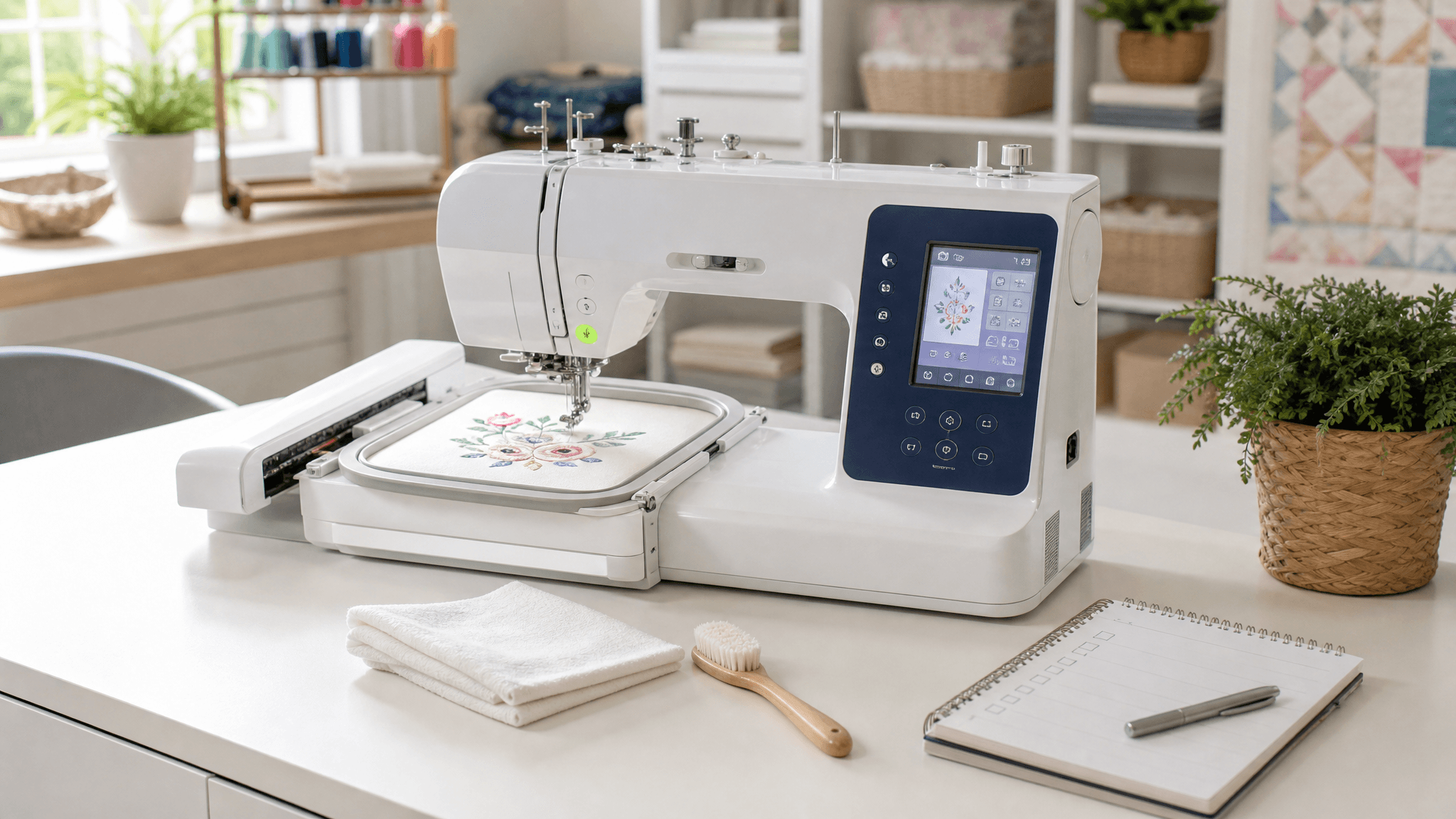
Embroidery machines are precision equipment. A $500-$8,000 machine deserves better care than “clean it once in a while.” This maintenance checklist is built from owner manual recommendations, repair technician advice, and common failure patterns we have seen across hundreds of real owner reviews. Follow this routine and your machine should run smoothly for years instead of months.
Daily Maintenance (Every 4-8 Hours of Stitching)
Clean the Bobbin Area — This Is Non-Negotiable
Lint and thread dust accumulate fastest around the bobbin case, race, and needle plate. On a multi-needle machine, every needle change cycle produces debris. After every 4-8 hours of stitching:
- Remove the needle plate (most Brother and Janome machines have a quick-release screw or lever)
- Remove the bobbin case
- Use the small brush that came with your machine — or a clean makeup brush — to sweep out lint from the bobbin area, feed dogs, and under the needle plate
- Do NOT use compressed air. It pushes lint deeper into the machine where it accumulates on circuit boards and lubrication points
- Wipe the exterior with a soft, dry microfiber cloth
Lint buildup under the needle plate is the #1 cause of thread breaks, skipped stitches, and timing issues that require professional repair. A $5 brush used daily prevents a $150 repair bill.
Change Your Needle — Yes, That Often
Needles wear out faster than most beginners realize. A dull or microscopically bent needle causes thread breaks, uneven stitches, fabric damage, and excess strain on your machine’s timing mechanism. Replace your needle:
- After every 8-10 hours of actual stitching (not setup time — stitching time)
- Immediately if you hear a “popping” sound while stitching (the needle hit something)
- Whenever you change fabric type (woven to knit, thick to thin)
- Whenever you change thread weight significantly
Use embroidery-specific needles (they have a larger eye to accommodate specialty threads) in the correct size for your thread. For standard 40-weight polyester embroidery thread, a 75/11 or 80/12 embroidery needle works well. For metallic thread, step up to a 90/14 metallic needle.
Weekly Maintenance (Every 20-30 Hours)
Deep Clean the Thread Path
Thread guides, tension discs, and the take-up lever accumulate invisible residue from thread coatings, especially with rayon and metallic threads. Run a length of unwaxed dental floss or a specialized thread-path cleaning cloth through all thread guides. For tension discs, “floss” gently with a folded piece of fabric to dislodge residue. Check the take-up lever for smooth movement — if it sticks, a tiny drop of sewing machine oil on the pivot point helps (consult your manual first).
Oil According to Your Manual — Not What the Internet Says
This is model-specific and getting it wrong causes problems. Brother machines generally have sealed bearings and require minimal owner oiling. Janome machines may have specific oil points. Read the oiling section of your manual. If your manual says “do not oil,” do not oil. If it specifies points and intervals, follow them exactly. Over-oiling attracts lint and creates a grinding paste inside the machine.
Monthly Maintenance (Every 40-50 Hours)
Inspect Belts, Screws, and Moving Parts
With the machine unplugged, check:
- All visible screws on the needle plate, presser foot, and exterior covers — tighten any that are loose
- The drive belt (visible on some machines through a side panel): look for cracks, fraying, or glazing
- The presser foot and needle bar: should move smoothly without resistance
- Hoop attachment points: ensure they click in securely and do not wobble
Replace the Bobbin Case (If Applicable)
On machines with a removable bobbin case (most Brother and Janome models), the bobbin case itself wears over time. The tension spring loses tension, and the contact surface develops micro-scratches that affect stitch quality. A replacement bobbin case costs $15-30. If you stitch heavily (20+ hours/week), replace it every 12-18 months as preventive maintenance.
Seasonal Maintenance (Every 3-4 Months)
Check and Update Firmware
Brother and Janome periodically release firmware updates that fix bugs, improve stitch quality, and add compatibility with newer design formats. This is especially important for WiFi-connected machines like the PE545 and SE700, where the companion app may stop working with outdated firmware. Check your manufacturer’s support page every 3-4 months. For Brother machines, the update process typically requires a PC and an empty USB drive.
Clean or Replace the Thread Stand Foam/Felt
The small foam or felt pad on your thread stand (where the thread spool sits) collects dust and thread coating residue. A dirty pad creates uneven thread feed, which mimics tension problems. Clean it with a slightly damp cloth and let it dry completely, or replace it.
Signs Your Machine Needs Professional Service
| Symptom | Likely Cause | Action |
|---|---|---|
| Loud knocking or grinding noise | Timing misalignment or bearing failure | Stop immediately — take to a repair shop |
| Needle hits needle plate or bobbin case | Bent needle bar or timing off | Professional service required |
| Error messages that persist after power cycle | Board or sensor failure | Contact manufacturer support first, then repair shop |
| Burning smell | Motor or circuit board overheating | Unplug immediately — do not use until serviced |
| Thread constantly shredding despite new needle + quality thread | Burr on thread path or needle plate | Inspect with magnifying glass and replace damaged part or take for service |
Maintenance Supply Checklist
Keep these items on hand so maintenance never gets skipped because you do not have what you need:
- Small cleaning brush (came with machine — do not lose it)
- Microfiber cloths (lint-free — do not use paper towels)
- Spare embroidery needles in sizes 75/11, 80/12, and 90/14
- Spare bobbin case (one backup is enough)
- Sewing machine oil (ONLY if your manual recommends it — check before buying)
- Unwaxed dental floss (for thread path cleaning)
- Small Phillips screwdriver set (for tightening exterior screws)
- Empty USB drive (for firmware updates)